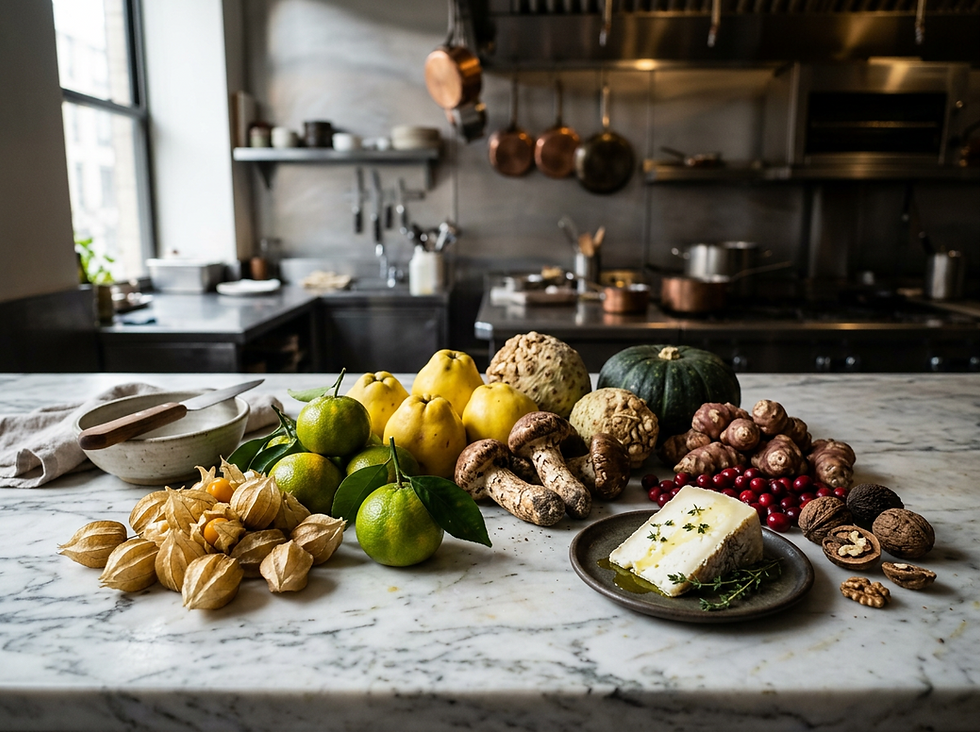
Comfort Food Reimagined. How To Drive Family Foot Traffic in Restaurants & Hotels!!!
Guests are not asking for more menu pages in 2026. They are asking for food they recognize, prices they can trust, portions that feel fair, and a booking path that does not make them work.
That shift creates a clear opportunity for restaurants and hotel food and beverage teams. A high-performing website should no longer act like a digital brochure. It should function like the host stand, the menu board, the ordering counter, and the group sales desk, all in one simple path.
This how-to framework shows how to build a high-conversion restaurant or hotel dining website around the 2026 Comfort & Value Counter-Revolution. The goal is direct online ordering, table reservations, and higher-value group bookings through nostalgic comfort food, honest prices, and a lean digital menu.

Step 1. Define the job of the website before designing the page
Start with the three actions that matter most:
Online ordering
Table reservations
Group bookings
Every design choice should support one of those actions. If a section does not help guests order, reserve, or plan a group meal, cut it or move it lower on the page.
For a comfort-driven restaurant or hotel dining concept, the home page should answer five questions fast:
What kind of food is this?
Is it worth the price?
Can I order now?
Can I get a table?
Can this place handle my family, team, or group?
A lean site structure works best:
Page | Primary job | Best conversion action |
Home | Sell the promise and guide action | Menu view, reservation, order |
Agile Menu | Show a short, confident menu | Direct order |
Group Dining | Sell shareable value and ease | Inquiry or booking |
Hotel Dining | Move guests from room service to lobby dining | Reserve, order pickup, dine-in |
About | Build trust through heritage and quality | Return to menu |
Contact | Remove uncertainty | Call, directions, hours |
Keep the header simple. Use no more than five navigation items:
Menu
Order Online
Reservations
Group Dining
Location and Hours
On mobile, make the most profitable decisions easier. Use a sticky bottom bar with three actions:
Order
Reserve
Groups
This keeps the site focused on revenue instead of browsing.
Step 2. Build the hero section that sells comfort in five seconds
The hero section is the hook. It should feel confident, warm, and direct. Avoid vague claims like “fresh flavors” or “modern dining experience.” Guests should instantly understand that this is comforting food, made well, priced clearly, and easy to book.
Use this hero framework
Headline
Honest Ingredients. Timeless Comfort. No Gimmicks.
Sub-headline
A lean, carefully chosen menu of premium nostalgic classics, generous shareables, and daily features built for modern budgets.
Primary CTA button
View Today’s Agile Menu
Secondary CTA button
Reserve a Table
This layout works because it combines emotional pull with practical reassurance. “Timeless Comfort” speaks to nostalgia. “No Gimmicks” speaks to price fatigue. “Lean, carefully chosen menu” tells the guest the kitchen knows what it does best.
Hero layout recommendation
Use a split layout on desktop:
Want to read more?
Subscribe to vanguardfoodandbeveragethynktank.com to keep reading this exclusive post.